Kan Camtek
Kan Camtek

Existing camera systems · Toronto & GTA

Security Camera Troubleshooting in Toronto & the GTA

Investigate missing camera views, recording problems and remote viewing issues. Start with an assessment of the equipment, connections and settings behind the fault.

  • Camera & connection checks
  • Recording issues
  • Viewing access problems
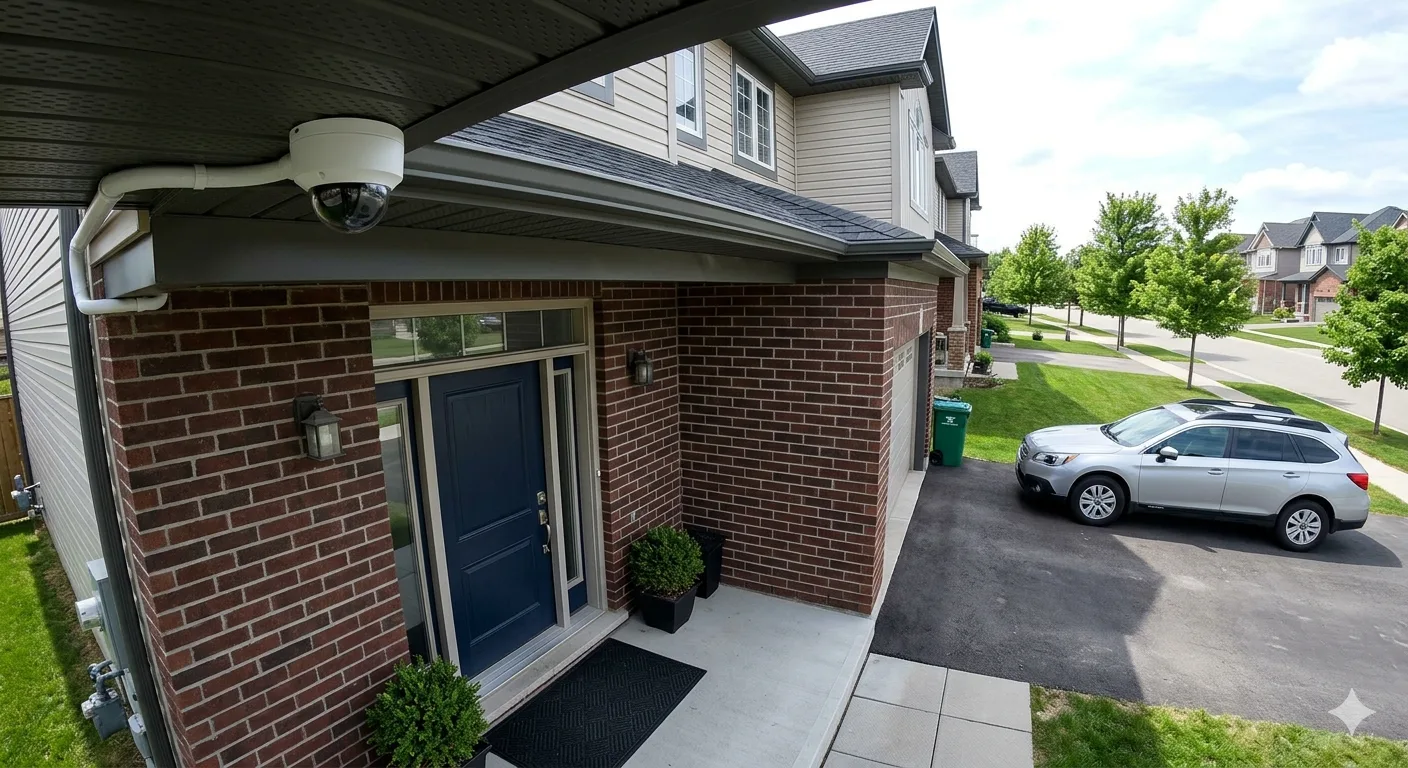
Security camera

Review the fault before deciding what needs adjustment or replacement

Describe the problem

Common Camera System Issues to Investigate

A similar symptom can have several causes. Share when the issue started, which cameras are affected and any recent changes to equipment or internet service.

01

No Camera Picture

Review camera power, connections and recorder status when one or more views are unavailable.
02

Missing Recordings

Check recording schedules, storage status and system time when expected footage cannot be found.

03

Remote Viewing Problems

Review supported app access, authorized accounts and network connectivity when local viewing works but remote access does not.

04

Blurred or Poor Night Views

Assess lens condition, focus where adjustable, lighting, glare and camera position before choosing replacement equipment.

05

Intermittent Video

Review power stability, cable condition and relevant network or recorder behaviour when video drops out.

06

Incorrect Alerts or Time

Review available event settings, detection areas and system time configuration when notifications or timestamps are unsuitable.

Need to retain existing recordings? Mention this before changes are made. Avoid factory resets or storage formatting until footage requirements and available export options have been reviewed.

Start with the symptom

Find What Is Failing Before Choosing a Fix

A missing camera picture does not always mean the camera has failed. Power, cable connections, recorder settings and network access can produce similar symptoms.

Review what still works, what has changed and whether the fault affects one camera or the whole system. These details help narrow the assessment and identify appropriate next steps.

If replacement or additional coverage is needed, explore our security camera installation service .

Useful Details for an Assessment

What Works and What Does Not

Describe live views, recording, playback and phone access separately, including which cameras are affected.

When the Issue Started

Note recent power interruptions, equipment changes or changes to the router, internet service or app.

Equipment and Error Messages

Share camera and recorder models, relevant connection photos and visible error messages. Do not send passwords.

Assessment scope

What Camera Troubleshooting Can Involve

The checks depend on the symptoms and equipment. Discuss system access, footage requirements and the assessment scope before changes are made.

01

Symptoms & Equipment Review

Identify affected functions, equipment models and recent changes that may relate to the problem.

02

Power & Connection Checks

Review relevant power supplies, camera connections and accessible cable runs for signs of a connection problem.

03

Recording & Storage Review

Check available storage status, recording schedules and system time when footage is missing or playback is affected.

04

Viewing & Network Checks

Review supported viewing software, account access and network connectivity for authorized users.

05

Image & Event Settings

Assess camera views, relevant lighting conditions and available image or detection settings where these affect the issue.

06

Findings & Next Steps

Explain the findings and discuss suitable adjustments, repairs or replacement options. Additional work depends on the assessment.

Have an error message or a camera that keeps dropping out? Share the symptoms and equipment models so the issue can be discussed.

Request an Assessment →

Homes & businesses

Troubleshooting Around How You Use Your Cameras

A household viewing problem and a business recording issue can have different priorities. Describe the affected functions and who relies on them.

Residential systems

Home Camera System Issues

Review missing entrance views, unavailable recordings or phone access problems, including whether the issue affects one camera or the full system.

  • Live views and playback for household users
  • Camera image and connection problems
  • Changes after router or internet replacement
Explore residential installation options →
Commercial systems

Business Camera System Issues

Assess unavailable camera channels, recording gaps and staff access issues with attention to operational priorities and footage that needs retaining.

  • Priority camera views and recording functions
  • Recorder storage and playback issues
  • Authorized staff viewing and permissions
Explore commercial installation options →

Narrow down the cause

Camera, Recorder and Remote-Access Checks

Compare the affected functions before making changes. What works locally, what records and what appears in the viewing app can help isolate the problem.

01

Individual Camera Status

Identify affected cameras and review available status information, power and connections relevant to the fault.

02

Cabling & Power

Assess accessible cable connections and compatible power equipment when cameras are offline or video is intermittent.

03

Recorder & Storage Status

Review visible recorder errors, storage status and recording schedules before deciding whether hardware needs attention.

04

Local Viewing & Playback

Compare live views with recorded playback to distinguish a display issue from a camera or recording problem.

05

Network & App Connectivity

Review supported viewing software and relevant network connections when remote access differs from local access.

06

Account & Permission Settings

Check authorized account access and supported permissions when a user cannot view cameras or recordings.

Local viewing works, but your phone does not? Share the recorder model, viewing app name and visible error message. Do not send passwords.

Discuss Your Viewing Issue →

Make an informed decision

What a Camera System Assessment Helps Clarify

A structured review helps connect the symptoms to suitable next steps. Findings can guide settings changes, connection work or equipment replacement where needed.

01

Where the Problem Occurs

Distinguish camera, recording and viewing symptoms so the assessment focuses on the affected part of the system.

02

What Still Works

Identify functioning views and features to help assess what can remain in use while the issue is addressed.

03

Footage Requirements

Discuss recordings that need retaining before considering resets, storage changes or recorder replacement.

04

Repair or Replacement Options

Use the findings to compare suitable adjustments, connection repairs and compatible replacement equipment.

05

Access and Configuration

Review supported user permissions and relevant settings where these affect viewing or recording problems.

06

Clear Next Steps

Understand the findings, remaining uncertainties and any additional work needed before deciding how to proceed.

Considering a wider recording-system upgrade? Explore our video surveillance installation service .

From symptoms to next steps

How Camera Troubleshooting Works

Start with a description of the problem, then agree on the assessment scope. Any proposed changes should account for access and footage requirements.

  1. Describe the Issue

    Share symptoms, affected cameras, equipment models and recent changes.

  2. Agree on the Scope

    Discuss authorized access, recordings to retain and the checks needed.

  3. Assess the System

    Review relevant connections, equipment status and supported settings.

  4. Discuss the Findings

    Explain identified issues and suitable adjustments, repair or replacement options.

  5. Check Agreed Work

    After agreed changes, check affected functions and explain any remaining issues.

Ready to discuss your camera problem? Share the property location, equipment models and a brief description of what is not working.

Request Troubleshooting Help →

After the assessment

Choose the Next Step Based on the Findings

The right response depends on the fault, equipment condition and your coverage goals. Discuss the findings before committing to additional work.

02

Replace Failed Equipment

If replacement is needed, check compatibility with the remaining cameras, recorder, power equipment and cable runs.

Explore camera installation →

Need existing footage kept? Discuss export options before recorder or storage changes. Whether footage is still available depends on the equipment and its condition; an assessment does not guarantee recovery.

Find your city

Camera Troubleshooting in Toronto and Southern Ontario

Explore our city camera installation pages for local service information. For an existing-system issue, share your location, equipment models and symptoms to discuss assessment availability.

Have a camera issue in another area? Share the property location and a brief description of the problem to discuss availability.

Ask About Your Location →

Your questions answered

Security Camera Troubleshooting FAQs

Understand what to share and what may affect the next steps when your camera system stops working as expected.

Why has one security camera stopped showing video?

Possible causes include a power issue, damaged cable, loose connection, network problem or camera fault. Comparing the affected camera with working channels can help narrow down the cause, but the symptoms alone do not confirm which component needs attention.

Why can I see live video but no recorded footage?

Recording schedules, storage condition, recorder settings and incorrect date or time can affect playback. Check the selected channel and time range first. Avoid formatting the drive or resetting the recorder if existing footage needs to be preserved.

Why does the camera app fail while the recorder still works?

Local viewing and remote viewing use different parts of the setup. Internet connectivity, app configuration, account access or network changes may affect remote viewing even when the recorder displays video locally.

Can an older camera system be repaired?

That depends on the fault, equipment condition, available parts and compatibility. An assessment can help determine whether an adjustment, component replacement or a surveillance system upgrade is appropriate.

What affects the cost of troubleshooting?

The number of affected devices, access to equipment and cabling, diagnostic work, replacement parts and the agreed repair scope can affect the cost. Share the symptoms and equipment details through our assessment request page to discuss your requirements.

What information should I send with my request?

Include your city, camera and recorder models, affected channels, error messages and when the issue started. Mention recent router, internet or power changes. Do not send passwords, access codes or private camera footage through a public enquiry form.

Tell us what is happening

Need Help With Your Security Camera System?

Missing video, recording gaps or a remote viewing problem? Share the symptoms and your property location with Kancam to discuss assessment availability and the next steps.

Help us understand the issue

  • Your city and property type
  • Camera and recorder makes or models
  • What stopped working and when
  • Whether existing footage needs to be kept
Request Troubleshooting Help →

Keep passwords and private footage out of your enquiry. Any required access can be discussed separately.